Use a Power Automate Button to start an Azure DevOps build on the go
In a previous post, we built a pipeline to deploy AKS using Azure DevOps. Because it can take while to deploy, it can be handy to start the deployment at any time without having to logon to Azure DevOps. There are many ways to achieve this, but one of the easiest ways is Power Automate.
Microsoft have made it easy to create such a flow because they support Azure DevOps out of the box. The flow looks like this:
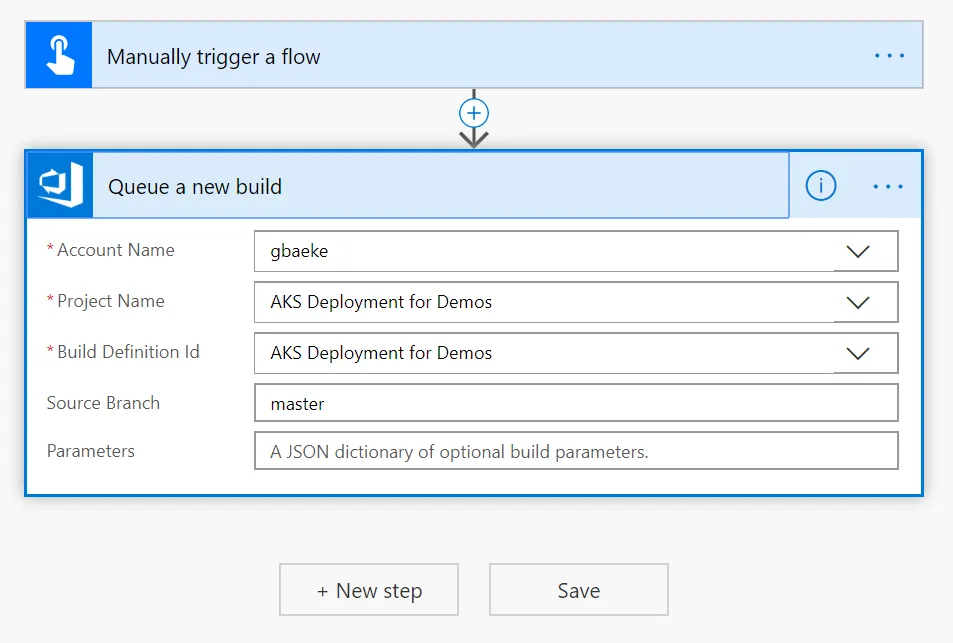
Flow to trigger an Azure DevOps build
The flow uses a manual trigger which allows you to start the flow from the iOS app using a button:
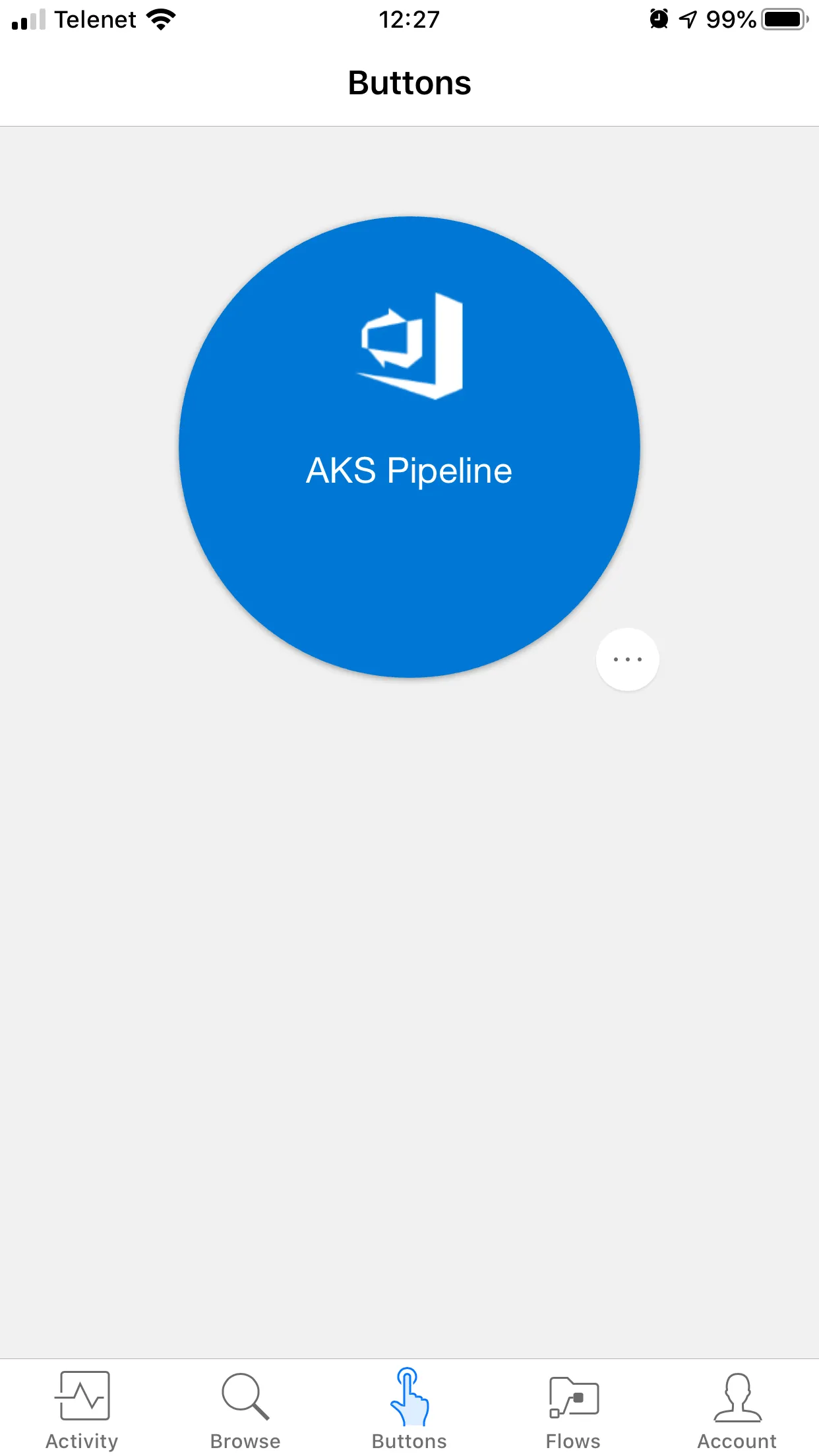
Button in the iOS app that triggers the flow
As simple as that… 👍
If this post helped you, you can buy me a coffee ☕
Comments
Comments are stored as GitHub Discussions: sign in with GitHub to join in.